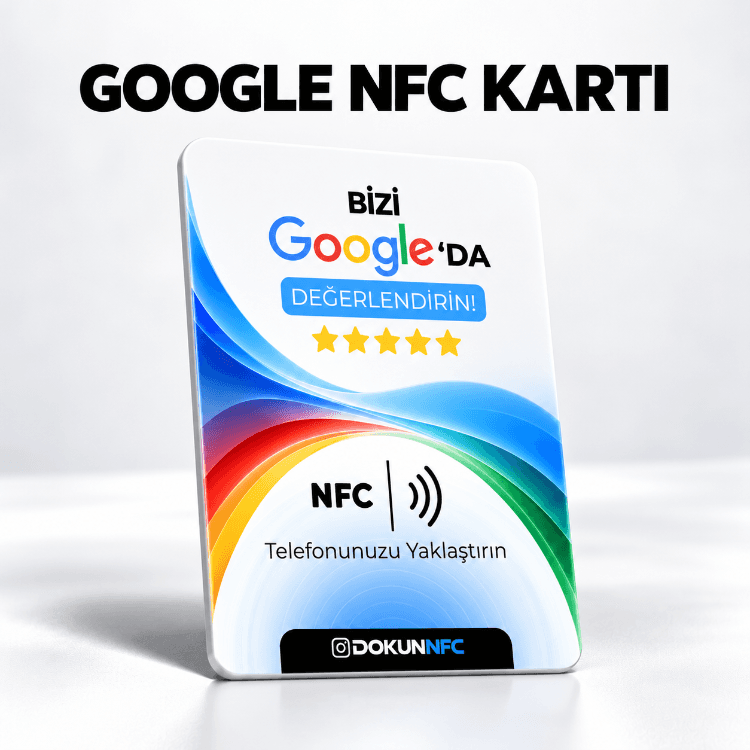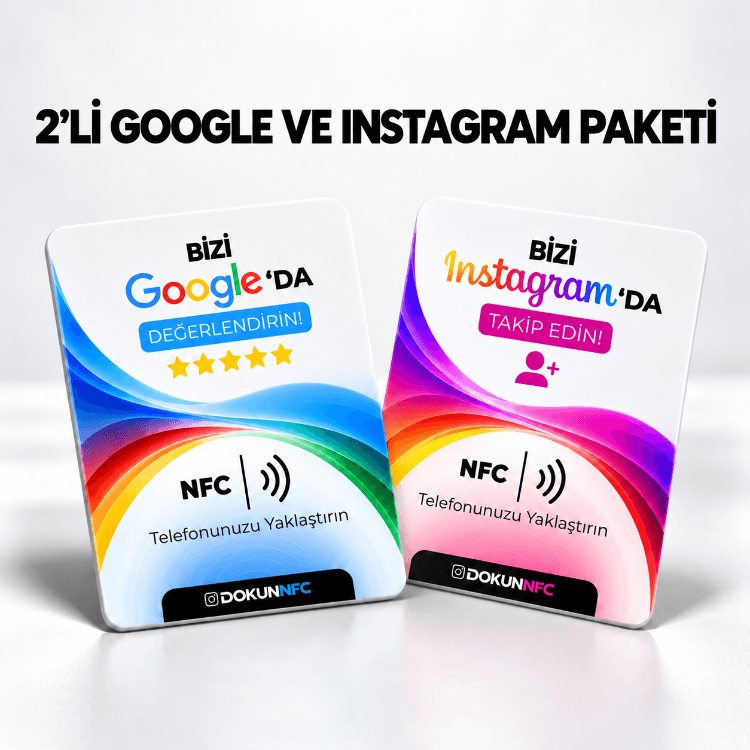
A Google review card is an NFC card that opens your business's Google review screen the moment a customer holds their phone over it. Asking a happy customer "Would you review us on Google?" is easy; the hard part is for them to find your business on Google and reach the review button. The card removes those steps.
Why it works
- No searching: customers don't type your name or look you up on the map.
- Straight to the review screen: the card opens the star-rating screen.
- At the right moment: while paying, waiting for an order or at the counter, while the experience is fresh.
Reviews are one of the first things people look at when they find your business on Google Search and Maps.
Where to find the link for the card
If you have a Google Business Profile, copy your review link from the "Get more reviews" section of your profile. Write that link, or your Google Maps business link, in the order note, and we set the card up to open the review screen directly.
Where to put it
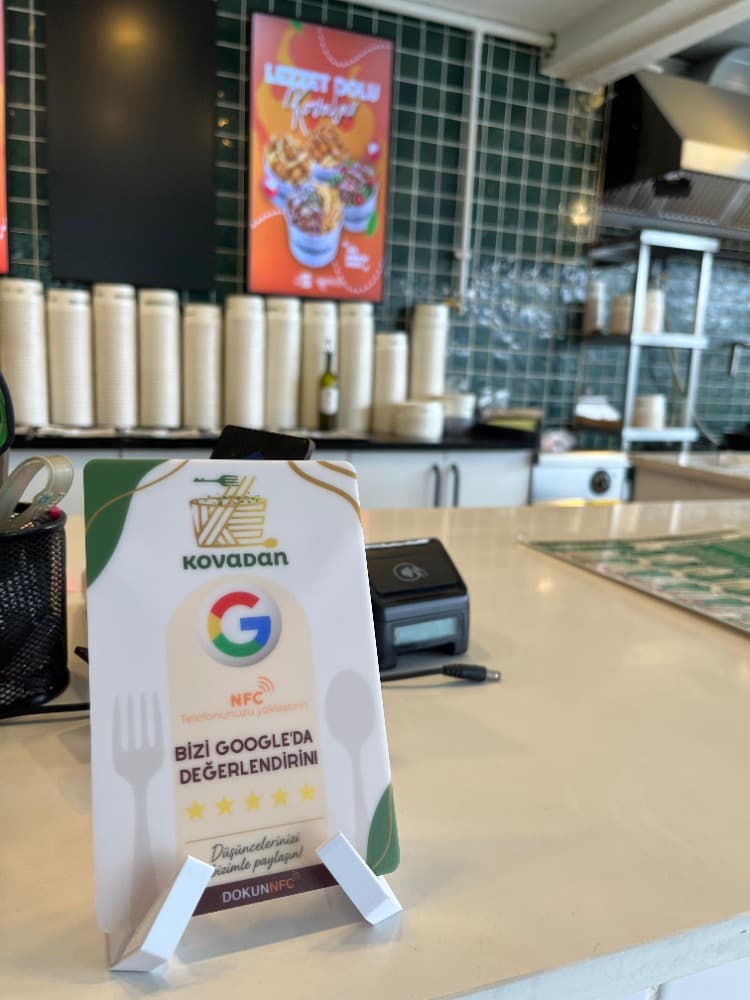
- Counter and till: paying is the most natural moment to ask for a review.
- Tables: one card per table in cafés and restaurants.
- Waiting areas: hair salons, clinics, car washes and anywhere people wait.
Stick the card on with double-sided tape, or set it in a black or white stand.
Play by the rules
Google's rules forbid offering discounts or gifts in return for reviews, and asking only happy customers for them. Offer the card to every customer in the same way and leave what they write to them. That keeps you within the rules and makes your reviews more credible.
How many cards do you need?
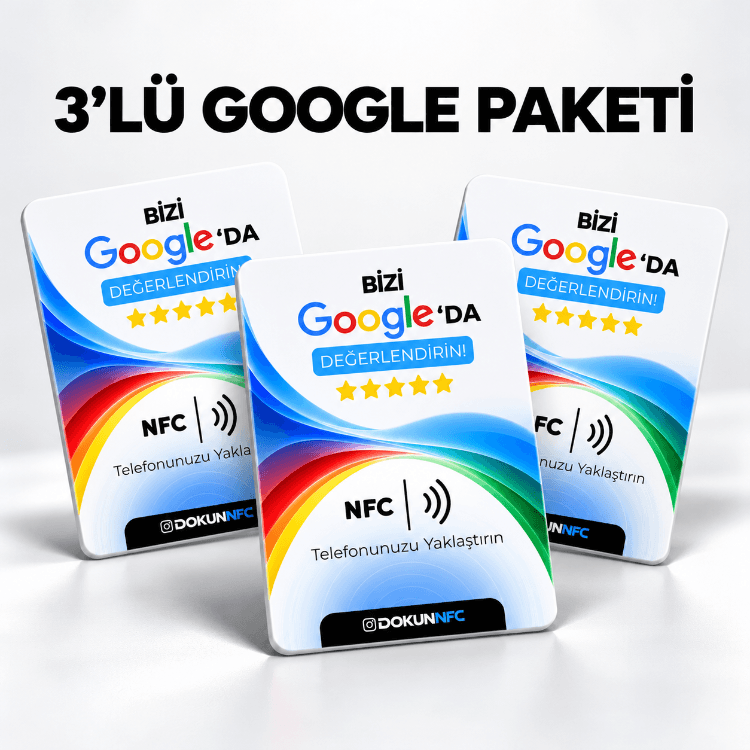
One card is enough for a business with a single counter. For table service, one card per table noticeably increases the number of reviews. We offer packs of 3, 5 and 10.